Installing on iPhone/iPad
Setup guide for Apple mobile devices
iPhone/iPad (using Safari browser)
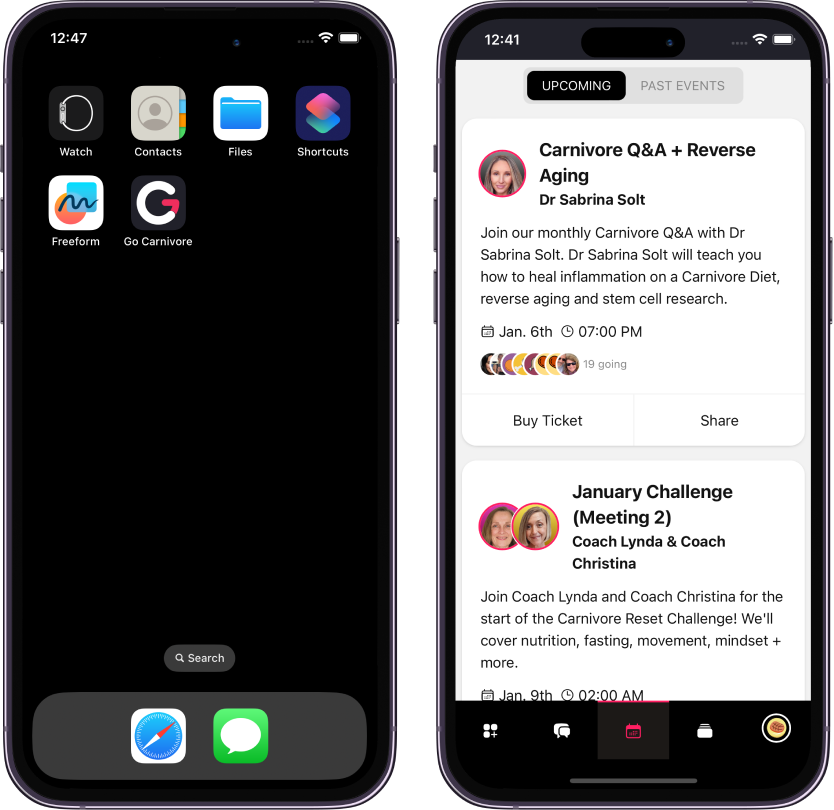
In order to install the app on your iPhone/iPad, please follow the below steps:
- Press on the "Share" icon
 at the bottom of the screen
 - Choose "Add to Home Screen" or "Add to Home"
- Tap on "Add"
This will create an icon on your home screen, making it easier for you to access the app.